What is a tech pack?
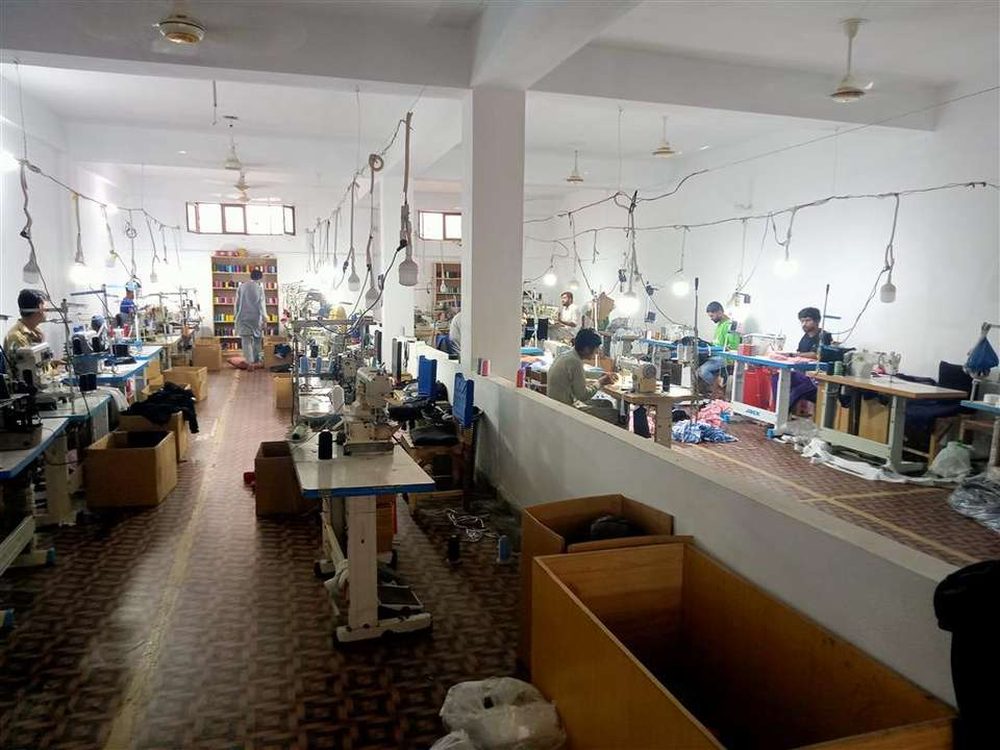
A tech pack (short for technical package) is a set of pages that describes a garment in enough detail for a factory to make it without guessing. It combines drawings, measurements, materials, colours, decoration and packing instructions in one file.
Think of it as the blueprint for your product. The pattern maker uses it to cut the first sample, the merchandiser uses it to quote, and the quality team uses it to check bulk production. When everyone works from the same document, the hoodie you approve is the hoodie you receive.
Why a tech pack matters
- Accurate quotes. Fabric weight, trims and print methods all change the price. A clear tech pack means the quote matches what you actually want.
- Fewer sample rounds. Each round costs time and money. Clear specs mean the first sample is much closer to final.
- Consistent bulk. Measurements with tolerances give the factory a standard to check every piece against.
- Easy reorders. When a style sells, you can reorder the same product months later without starting over.
What goes in a clothing tech pack
Tech packs vary by product, but most clothing tech packs include the sections below.
| Section | What it shows | Example |
|---|---|---|
| Cover page | Style name, code, season, version and date | “Heavyweight hoodie, HD-01, v2, 12 Oct” |
| Flat sketches | Front, back and side line drawings, with stitching and details called out | Kangaroo pocket, ribbed cuffs, double-needle hem |
| Bill of materials | Fabric, weight (GSM), composition, trims, thread, zips, drawcords | 380 GSM cotton fleece, flat drawcord with metal tips |
| Measurement spec | Points of measure for every size, with tolerance | Chest width S–XL, ±1 cm |
| Colourways | Colour per part, ideally with Pantone references | Body black, print off-white |
| Artwork and placement | Logo files, print or embroidery method, size and exact position | Chest embroidery 8 cm wide, 7 cm below collar |
| Labels and packing | Neck label, care label, hang tags, polybag, folding | Woven neck label, individually bagged |
Not sure what weight to list in the bill of materials? Our guide to GSM in fabric gives typical weights for each garment type.
How to make a tech pack, step by step
- Start with a reference. Pick a garment you like the fit of and measure it. This is the easiest way to set realistic numbers.
- Draw the flats. Clean front and back line drawings in Illustrator or similar. Call out seams, pockets, ribs and closures with arrows and short notes.
- Choose materials. List fabric type, weight and composition, plus every trim. If you are unsure, ask the factory for swatch options.
- Write the size spec. Add points of measure (chest, length, sleeve, hem) for your base size, then grade up and down. Add a tolerance for each. Making shorts? See how to measure shorts inseam.
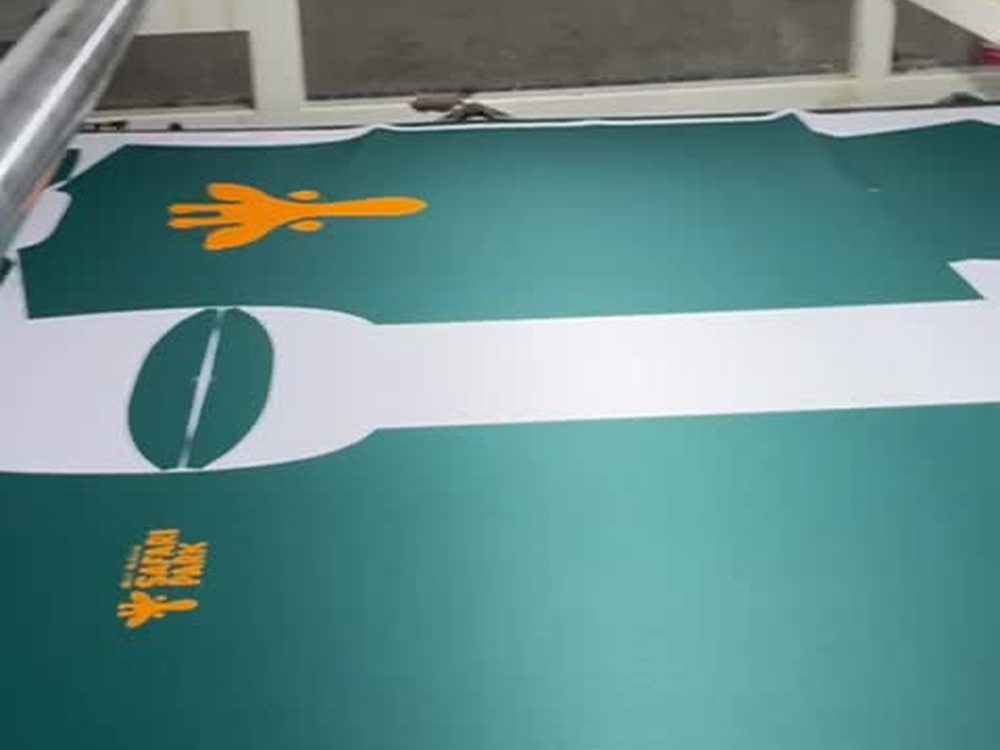
- Add artwork. Attach vector files and state the method: screen print, DTF, embroidery or sublimation, with size and placement from a fixed point. Not sure which? See DTF vs screen printing.
- Add labels and packing. Neck label, care label, hang tag and how each piece is folded and bagged.
- Version and send as PDF. Put a version number and date on every page, so everyone knows which file is current.
Common tech pack mistakes
- Measurements for one size only. Without grading, the factory has to invent your size range. We make 4XS–5XL, so state every size you need.
- No tolerances. Every garment varies slightly. Without a stated tolerance, there is no agreed standard for QC.
- Vague fabric. “Soft cotton” is not a spec. Give weight, composition and finish, or ask for swatches.
- Low-resolution artwork. Send vector files (AI, PDF or SVG), not screenshots.
- Several versions in circulation. Changes sent over chat but not added to the file get lost. Update the PDF and resend.
- Skipping the sample. Even a perfect tech pack needs a physical sample to confirm fit and feel before bulk.
No tech pack yet? You can still start
Many new brands do not have a full tech pack, and that is normal. A good manufacturer can work from what you have: a reference garment, a sketch, or a product from their catalogue that you customise with your fabric, colours, logo and labels.
At KITFORGE we work under OEM (your design and tech pack), ODM (we develop the details with you) and private label. We offer cut & sew, sublimation, embroidery and screen or DTF printing, with an MOQ of typically 10–30 pieces per style. Every order starts with a pre-production sample, usually ready in 7–10 days, so you can approve it before bulk. Bulk lead time is confirmed with your quote.
If you are building a streetwear line, see our custom streetwear manufacturing page for hoodies, tees and sets. For gym and yoga lines, read our guide to private label activewear manufacturing. Planning a first small run? Read how to order from a low MOQ clothing manufacturer.
Send us your tech pack, or your idea
Share your tech pack, sketch or reference photo and we reply within 24 hours with pricing and next steps. Browse 260+ styles in our catalogue for a starting point.
Frequently asked questions
What is a tech pack in clothing?
A tech pack is a document that tells a factory exactly how to make a garment: flat sketches, measurements for every size, fabric and trims, colours, print or embroidery placement, labels and packing. It is the blueprint for both the sample and bulk production.
Do I need a tech pack to start a clothing brand?
It is strongly recommended. Some manufacturers can work from a reference garment or artwork, but a tech pack reduces back-and-forth, gives more accurate quotes and makes the sample far more likely to come out right the first time.
Can a manufacturer make a tech pack for me?
Many can help. Under an ODM arrangement the factory develops the design details with you, while under OEM you supply your own tech pack. At KITFORGE we work both ways and can build on a reference sample or sketch.
What format should a tech pack be in?
PDF is the safest format to send, because it opens the same on every device. Teams often build tech packs in Adobe Illustrator, Excel or dedicated tech pack software, then export to PDF with a version number and date.
Ordering kits for a team? Read what sublimated uniforms are.